
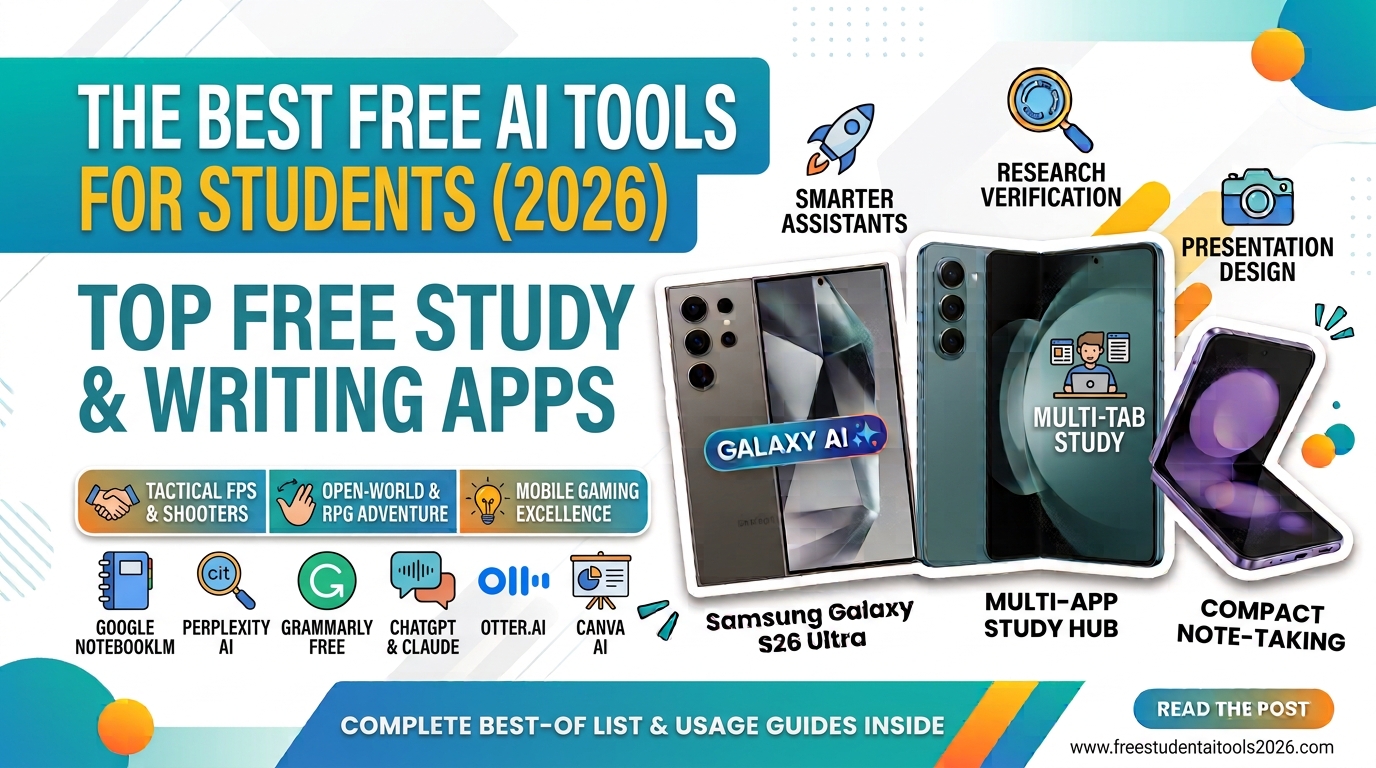
Staying on top of lectures, research papers, lab reports, and weekly assignments can easily feel overwhelming. Fortunately, artificial intelligence has evolved far beyond basic sentence generators. Today’s AI study tools function like 24/7 personal tutors, research assistants, and editors—helping you work smarter without breaking your student budget.
If you want to save hours each week without spending a dime, here is your ultimate guide to the best free AI tools for students in 2026.
1. Google NotebookLM: The Ultimate Personal AI Tutor
-
Best For: Turn lecture notes, PDFs, and slide decks into smart, interactive study guides.
-
Price: 100% Free with a Google Account.
If you only install one AI tool this semester, make it NotebookLM. Unlike generic AI chatbots that pull information from across the internet, NotebookLM works exclusively using the documents you upload. You can upload lecture slides, textbook chapters, PDFs, or class notes, and NotebookLM creates a custom tutor tailored strictly to your course material.
Key Features for Students:
-
Source-Grounded Answers: Every response cites the exact paragraph or page in your uploaded material, eliminating AI hallucinations.
-
Practice Quizzes: Ask it to generate flashcards or practice exam questions directly from your professor’s slides.
-
Audio Overviews: Converts your uploaded notes into a realistic 10-to-15-minute podcast episode—perfect for studying during your commute.
2. Perplexity AI: Research Made Reliable
-
Best For: Conducting academic research with cited, verifiable web sources.
-
Price: Free tier available.
Traditional search engines often force you to dig through dozens of tabs to find credible info. Perplexity AI operates as a conversational answer engine that searches the web in real-time and synthesizes answers accompanied by direct inline citations.
Key Features for Students:
-
Provides clickable academic sources and web references for every claim.
-
Allows filtering by academic databases to locate peer-reviewed papers.
-
Ideal for finding background context when starting a research paper.
3. Grammarly Free: Flawless Proofreading & Editing
-
Best For: Polishing academic tone, fixing grammar, and refining clarity.
-
Price: Free core plan.
Even the best research can suffer if your writing is littered with typos or awkward phrasing. Grammarly remains the gold standard for catching grammatical errors that standard word processors miss. It integrates directly into Google Docs, Microsoft Word, and web browsers.
Key Features for Students:
-
Instant tone adjustments to keep your essays sounding professional and academic.
-
Real-time punctuation, spelling, and sentence-structure suggestions.
-
Works across emails, assignment portals, and word processors.
4. ChatGPT & Claude: Your Daily Brainstorming Partners
-
Best For: Explaining complex concepts, outlining essays, and debugging code.
-
Price: Robust free tiers available.
For general-purpose assistance, keeping both ChatGPT and Claude in your study bookmark bar is a game-changer.
-
ChatGPT (OpenAI): Excellent for breaking down difficult math or science concepts step-by-step, speaking via Voice Mode, and brainstorming essay outlines.
-
Claude (Anthropic): Recognized for generating natural, human-sounding text and editing long essays without sounding overly robotic.
5. Otter.ai: Never Miss a Lecture Detail
-
Best For: Live lecture audio recording and instant text transcription.
-
Price: Free tier (300 transcription minutes per month).
Taking notes while actively listening to a fast-paced professor can be tricky. Otter.ai records audio in real-time and automatically generates searchable transcripts complete with speaker labels and automated summaries.
Key Features for Students:
-
Highlights key takeaway points automatically.
-
Search transcript text for specific keywords mentioned during a lecture.
-
Great for study groups and audio-based learners.
6. Canva AI (Magic Design): Fast Presentation Creation
-
Best For: Creating sleek slide decks and visual assets for group projects.
-
Price: Free plan with built-in AI tools.
When you need to deliver a class presentation but lack design skills, Canva’s Magic Design generates custom presentation decks from a single text prompt.
Key Features for Students:
-
Turns bulleted outlines into formatted slides with layouts, fonts, and graphics.
-
Built-in AI photo editor and text summarizers.
-
Saves hours on group presentations and poster assignments.
Quick Comparison: Best Free AI Tools by Task
| Task / Need | Best Free AI Tool | Key Benefit |
| Quizzing Course Notes | Google NotebookLM | Answers only from your uploaded files. |
| Academic Research | Perplexity AI | Provides real-time web results with cited links. |
| Proofreading & Tone | Grammarly | Real-time grammar & academic tone checks. |
| Lecture Transcripts | Otter.ai | Converts speech to text automatically. |
| Presentations | Canva AI | Turns outlines into visual slide decks. |
How to Use AI Tools Responsibly as a Student
While AI tools can dramatically speed up your workflow, keeping academic integrity in mind is essential:
-
Use AI for Learning, Not Copy-Pasting: Treat tools like ChatGPT or Claude as tutors to explain topics, not as ghostwriters for your assignments.
-
Verify Facts and Citations: Always double-check citations generated by general chatbots against real primary sources.
-
Follow Course Policies: Always check your syllabus or ask your professor regarding specific AI guidelines for coursework.