
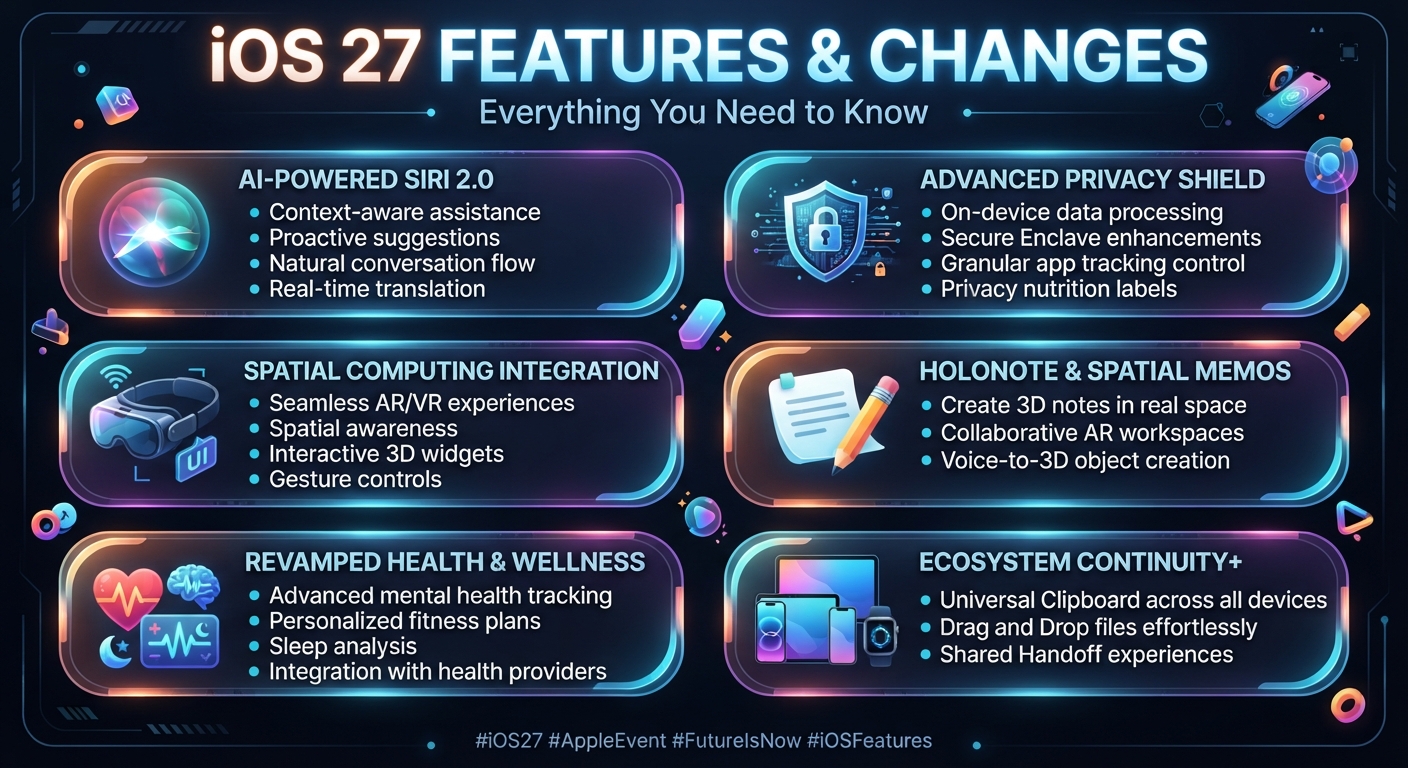
Apple has officially released iOS 27, bringing a major collection of new features, AI-powered improvements, performance upgrades, design refinements, and enhanced safety tools to compatible iPhones. The biggest focus of the iOS 27 update is Apple Intelligence, with the introduction of the new Siri AI, smarter photo editing, improved Safari tools, enhanced Visual Intelligence, and more.
iOS 27 became publicly available on September 14, 2026. Apple says the update also improves responsiveness and introduces changes across many everyday iPhone experiences.
In this guide, we explore the most important iOS 27 features and changes, supported iPhone models, Apple Intelligence improvements, and what users should know about the latest iPhone software update.
What’s New in iOS 27?
The iOS 27 update focuses heavily on making the iPhone more intelligent, useful, personal, and responsive. Some of the biggest changes include:
- New Siri AI
- More powerful Apple Intelligence
- Siri mode in Camera
- Improved Visual Intelligence
- AI-powered photo editing
- Smarter Safari
- Improved Shortcuts
- Better Liquid Glass design
- Faster app launches and system performance
- Enhanced child safety controls
- Improved Maps
- New AirPods Custom EQ support
- Smarter Home features
- GymKit support on iPhone
Let’s take a closer look at the most important iOS 27 new features.
1. Siri AI Gets a Major Upgrade
One of the biggest highlights of iOS 27 is the new Siri AI experience.
Apple has introduced a more capable and conversational version of Siri powered by the next generation of Apple Intelligence. Siri AI can understand more natural requests, provide richer answers, maintain conversations, and perform more useful actions across the iPhone.
Users can type or speak naturally to Siri AI and ask questions, brainstorm ideas, create drafts, and get information from the web.
Apple has also introduced a dedicated Siri app, allowing users to keep their Siri conversations in one place and continue conversations across supported Apple devices.
Siri AI Personal Context
Another important improvement is Siri’s ability to understand personal context. Apple says Siri AI can use information from areas such as messages, emails, and photos to help users find relevant information when they need it.
This makes Siri considerably more useful for everyday tasks compared with the traditional voice-assistant experience.
2. Siri Mode in Camera
iOS 27 also brings Siri mode in Camera, combining the camera experience with Apple’s visual intelligence capabilities.
Users can point their iPhone camera at something and ask Siri about what they see. This can be useful for identifying objects, understanding information, or getting additional information about something in front of the camera.
This is one of the more interesting iOS 27 Apple Intelligence features because it allows the iPhone to understand visual information instead of relying only on typed or spoken questions.
3. Visual Intelligence Becomes More Useful
Apple is expanding Visual Intelligence across supported devices.
With iOS 27, users can use Visual Intelligence to interact with information displayed on their screens. Siri can understand what is being shown and help users find information or take action based on that content.
For people who frequently use their iPhone for work, shopping, research, or studying, this can make everyday tasks more convenient.
4. Write With Siri
Another useful iOS 27 feature is Write with Siri.
Instead of manually writing everything from scratch, users can describe what they want and Siri AI can generate a draft or help improve existing text.
Apple says Write with Siri can also work in places where users normally type. In Messages and Mail, Siri AI can match aspects of the user’s writing style, punctuation, and tone.
This could be particularly useful for emails, messages, notes, and other everyday writing tasks.
5. New AI Photo Editing Tools
The Photos app receives several important upgrades in iOS 27.
Apple Intelligence introduces tools including:
- Spatial Reframing
- Extend
- Improved Clean Up
Spatial Reframing allows users to change the framing of a photo after it has already been captured. The Extend tool can expand the borders of an image, while the upgraded Clean Up tool can remove distracting objects more effectively.
These additions make the iPhone’s built-in photo editor more powerful without requiring a separate editing application.
6. Image Playground Gets More Powerful
Apple is also expanding Image Playground.
The tool can create images in different styles, including photorealistic images, and allows users to modify or transform images using descriptions.
This makes Apple’s AI image-generation capabilities more useful for creative projects, social media content, and personal experimentation.
7. Safari Gets Smarter
Safari receives several useful AI-powered improvements in iOS 27.
One of the most interesting changes is automatic tab organization. Safari can group related tabs into topics, making it easier to manage large numbers of open webpages.
Safari also introduces Notify Me, which can monitor webpages for changes. For example, it can notify users about a product restock or a price change.
This could be especially useful for online shopping and tracking important webpages.
8. AI-Powered Shortcuts
iOS 27 makes Apple’s Shortcuts app more accessible through AI.
The new Describe a Shortcut feature allows users to describe what they want a shortcut to accomplish, while Apple Intelligence can connect the required actions across apps.
Instead of manually building every automation step, users can describe the desired task in natural language.
9. Password Improvements
Apple is also improving password management.
The Passwords app can alert users about weak or compromised passwords and can update passwords on their behalf.
However, Apple currently lists automatic password changes as coming in a future software update, so users should not expect every part of this fea