
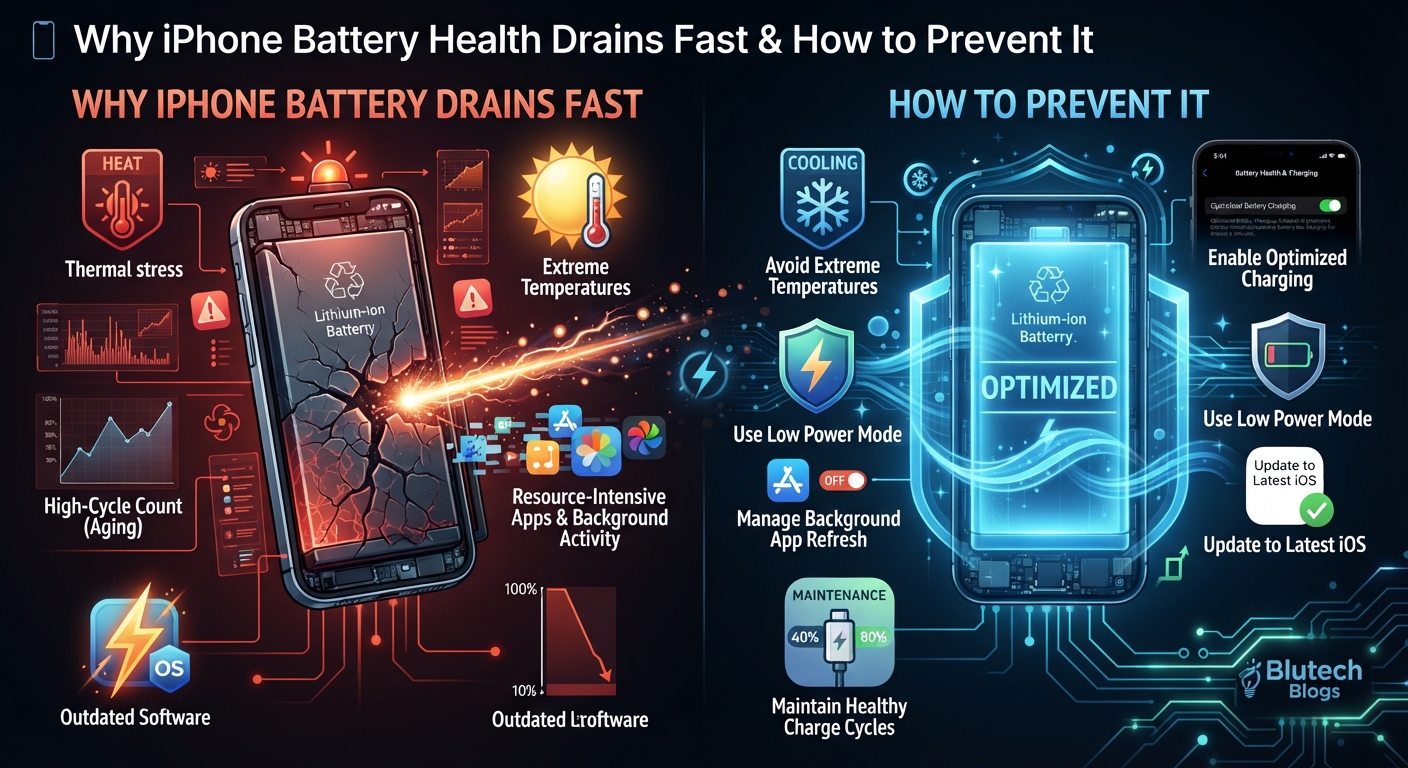
If you have ever looked at your iPhone screen mid-afternoon only to watch your battery percentage plummet from 50% to single digits, you are not alone. Battery degradation is one of the most common pain points for smartphone users. But why does your iPhone battery health seem to drain so fast, and more importantly, how can you stop it?
In this comprehensive guide, we will explore the core reasons behind rapid iPhone battery drain, look at how to check your battery health, and share expert tips to extend your device’s lifespan.
Understanding iPhone Battery Lifespan
Before diving into the fixes, it helps to understand how Apple designs its batteries. iPhones use lithium-ion batteries, which naturally age chemically over time. Apple defines “battery health” as a measure of battery capacity relative to when it was new. As capacity decreases, the amount of time your phone lasts between charges also decreases.
However, natural aging is often accelerated by environmental factors, heavy usage habits, and background processes.
Top Reasons Why Your iPhone Battery Drains Fast
1. Unoptimized Background App Activity
Many apps continue to run tasks, check for updates, and sync data in the background even when you aren’t actively using them. Features like Background App Refresh and constant location tracking are major culprits behind sudden iPhone battery drain.
2. High Screen Brightness and Always-On Display
Your display is the single biggest power consumer on your device. Running your screen at maximum brightness, combined with features like Auto-Brightness turned off or an active Always-On Display (on supported models), burns through battery life at an alarming rate.
3. Outdated Software or Glitchy Apps
Sometimes, the issue isn’t hardware—it’s software. A rogue app stuck in an infinite processing loop or a buggy iOS update can cause your processor to run at peak capacity, generating heat and draining the battery rapidly.
4. Extreme Temperatures
Lithium-ion batteries hate extreme temperatures. Exposing your iPhone to temperatures above 35°C (95°F) or below freezing can cause permanent damage to your battery capacity and lead to sudden shutdowns.
Proven Ways to Prevent Fast Battery Drain
To get the most out of your device and maintain your iPhone battery health, try implementing these actionable steps:
- Enable Optimized Battery Charging: Go to Settings > Battery > Battery Health & Charging and turn on Optimized Battery Charging. This feature learns your daily charging routine to reduce the time your iPhone spends fully charged, slowing down chemical aging.
- Manage Background App Refresh: Head to Settings > General > Background App Refresh and disable it for apps that don’t need real-time updates.
- Optimize Location Services: Restrict apps from using your location to “Always” and change them to “While Using” or “Never.”
- Lower Screen Brightness and Use Dark Mode: Turn on Auto-Brightness in Settings > Accessibility > Display & Text Size, and utilize Dark Mode to save power on OLED screens.
- Keep Your iOS Updated: Apple frequently rolls out power-efficiency patches and bug fixes in software updates. Always back up your phone and install the latest stable iOS release.
Conclusion
While you cannot stop your iPhone battery from aging entirely, changing a few daily habits can dramatically slow down degradation and extend your daily screen-on time. By managing background tasks, keeping your device cool, and utilizing built-in iOS battery tools, you can keep your iPhone running smoothly for years to come.
Got a favorite battery-saving tip we missed? Let us know in the comments below!
#iPhoneBattery #BatteryHealth #TechTips #BlutechBlogs #Apple #iOSUpdates #SmartphoneTips #TechSupport